Main page for this topic: AI math test generator for teachers. Use it to create printable math tests, and pair it with math test generator with answer key when you need answer-key-first output.
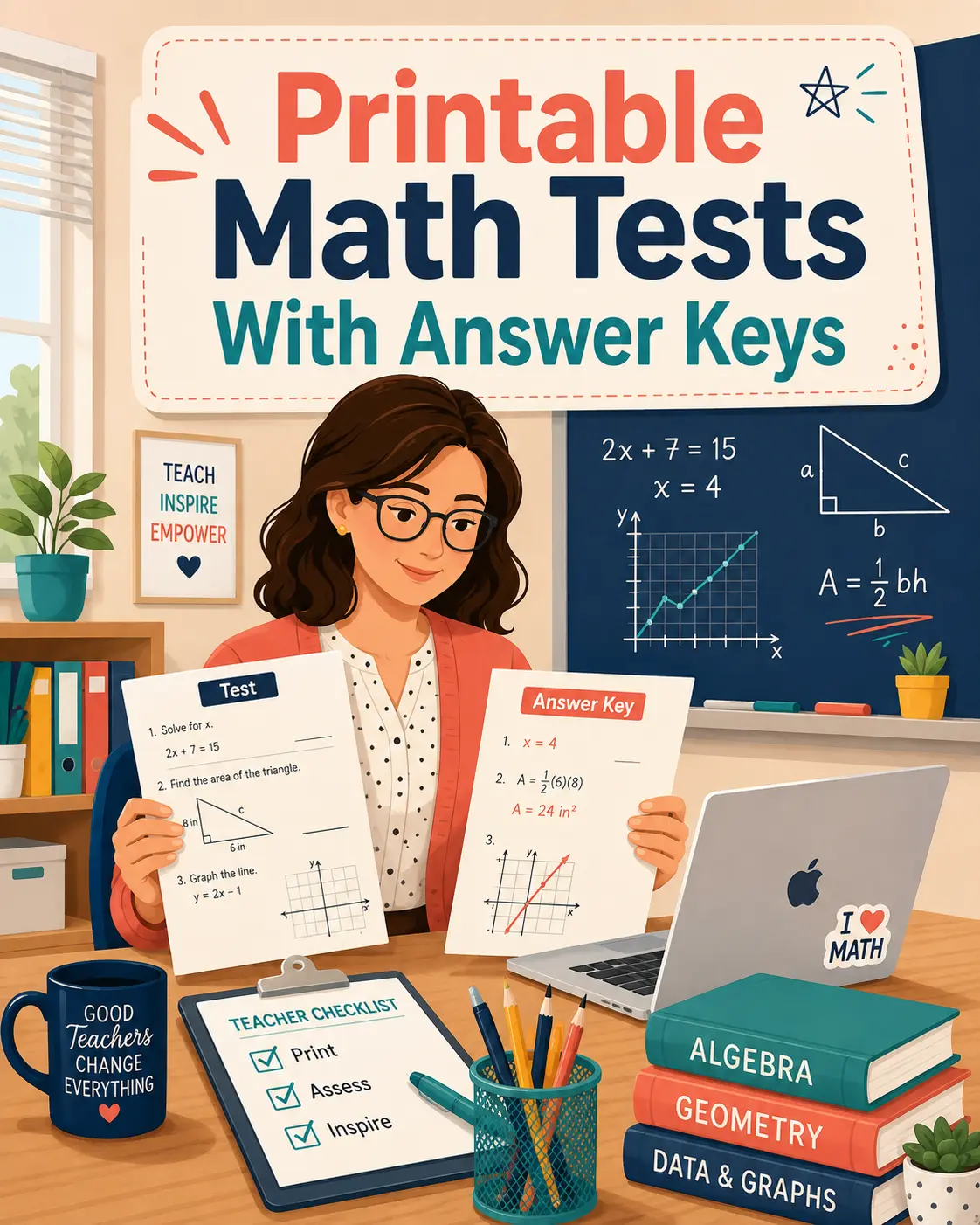
Need a classroom-ready assessment? Use our AI math test generator for teachers to create a printable PDF with answer keys in minutes.
For the full guide, see math assessment with AI.
Regional Math Test Generators
Creating a good math test is more complicated than generating ten random questions.
A classroom assessment needs the right topics, an appropriate level of difficulty, enough variety to separate basic understanding from deeper reasoning, clear mathematical notation and an answer key that makes grading manageable.
AI can make this process much faster, but the teacher should remain in control.
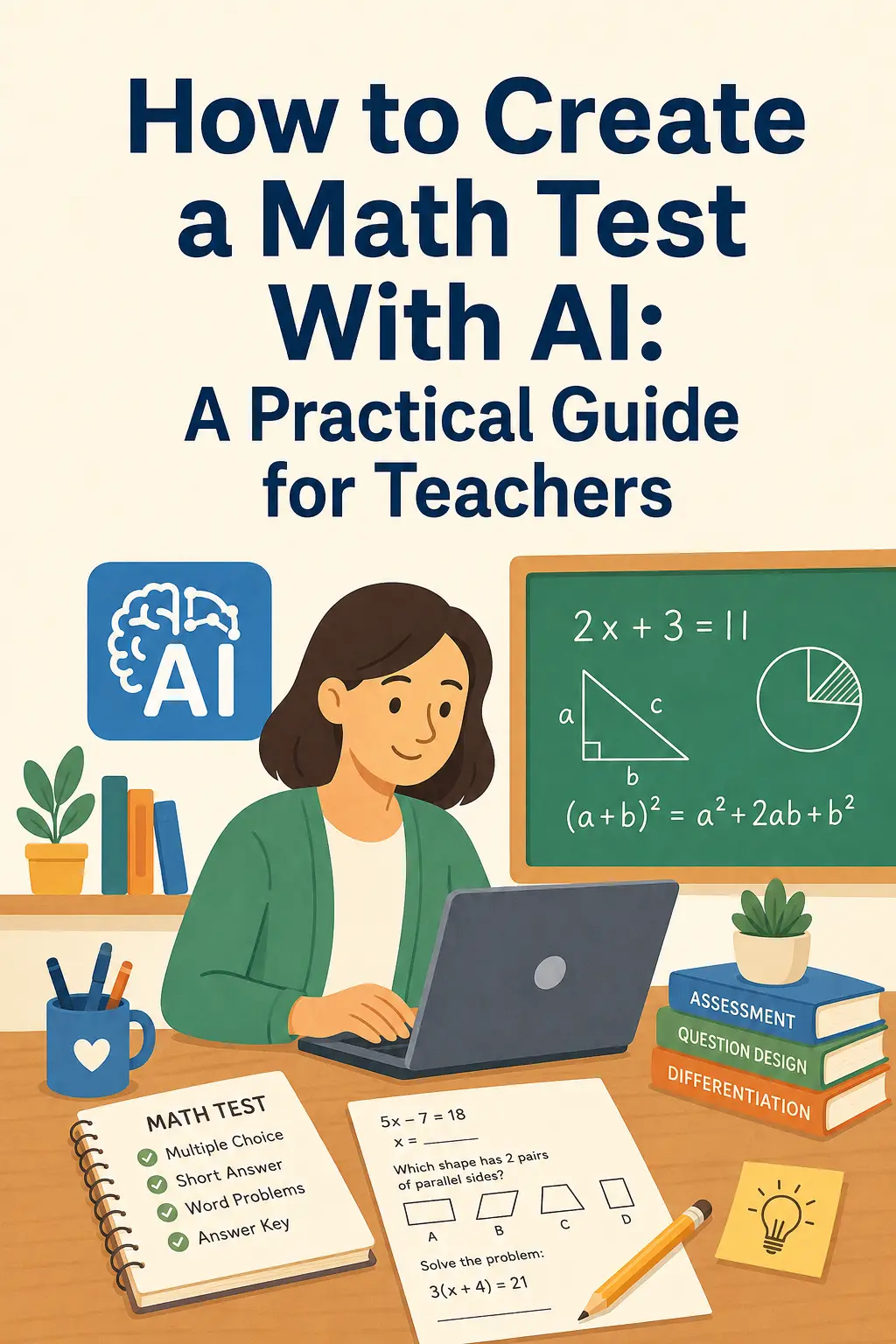
Here is a practical workflow for creating an AI-assisted math test that is actually useful in the classroom.
Create a printable math test in minutes with MathQuizily →
1. Start With the Learning Goal
Before generating questions, decide what the test should measure.
Instead of entering a broad topic such as "Algebra," use a more specific goal such as:
"Students should solve one-step and two-step linear equations."
Or:
"Students should compare and operate with fractions with unlike denominators."
Specific learning goals produce more focused assessments and make it easier to decide whether each generated question belongs on the test.
2. Choose the Right Grade and Topic
Grade level matters because the same mathematical concept can be taught at very different levels of complexity.
A fraction question for Grade 4 should look very different from a rational-expression problem in Algebra 2.
For U.S. classrooms, teachers may also want to connect the assessment to the relevant Common Core domain or state standard. Common Core mathematics standards organize skills and concepts across grade levels, providing a useful reference point when planning assessments.
3. Balance the Difficulty
One of the biggest weaknesses of automatically generated tests is inconsistent difficulty.
A useful assessment should not accidentally contain ten easy questions — or ten questions that frustrate almost everyone.
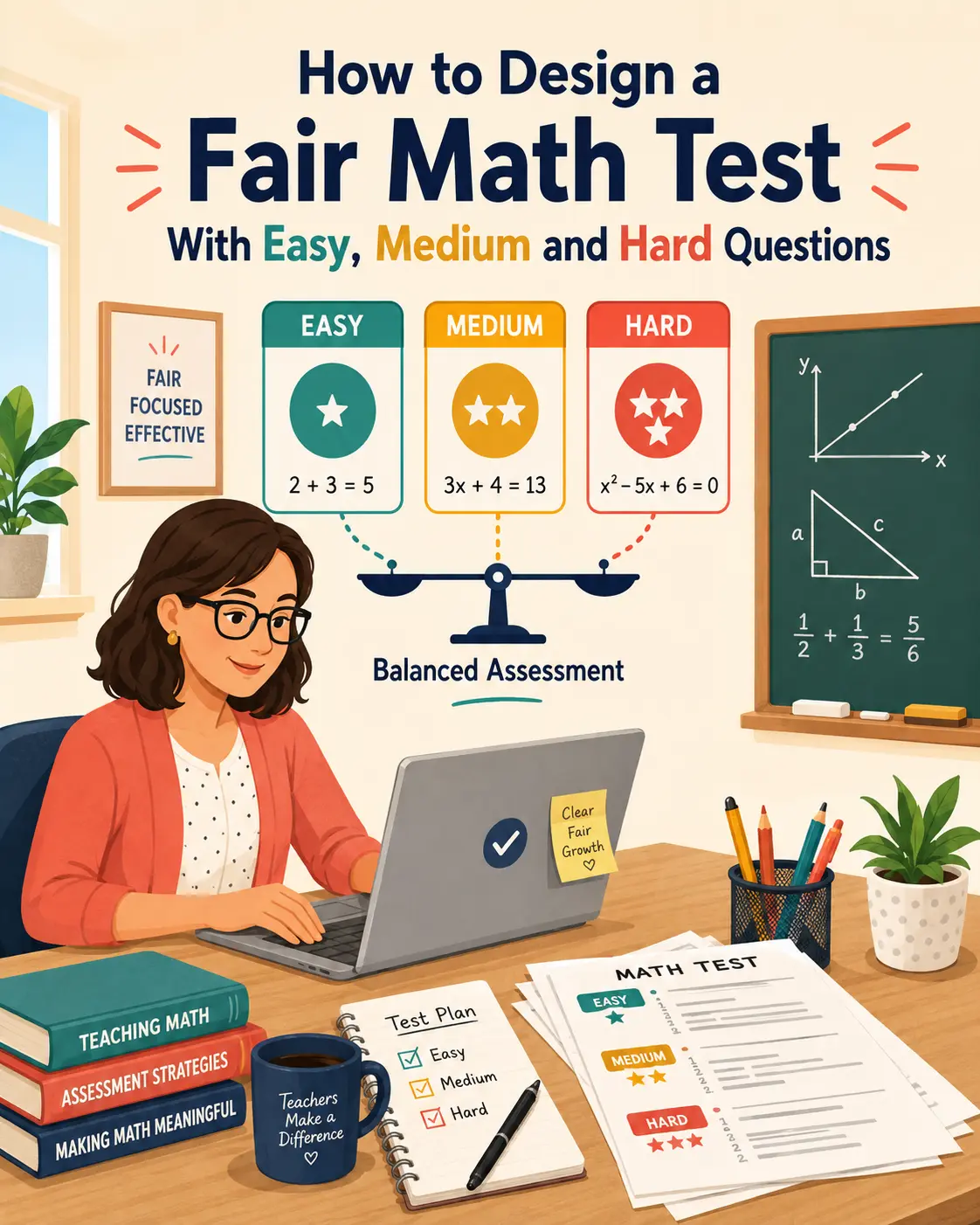
One approach is a 5–3–2 structure:
This creates a natural progression through the test and gives the teacher more information than a set of equally difficult exercises.
| Section | Questions | What it measures |
|---|---|---|
| Accessible | 5 | Foundational knowledge and recall |
| Medium | 3 | Applying the skill in context |
| Challenging | 2 | Multi-step reasoning and transfer |
4. Review Every Question
AI should reduce preparation work, not eliminate professional judgment.
Before printing, check:
A teacher can usually perform this review much faster than writing an entire assessment from scratch.
5. Check the Answer Key
The answer key deserves the same review as the test itself.
For mathematics, worked solutions are especially useful because they allow teachers to see whether the reasoning matches the method being taught.
A strong answer key should show enough intermediate work that the teacher can quickly identify where a student may have gone wrong.
6. Create a Printable Version
An AI-generated question list is not necessarily a finished assessment.
A classroom-ready test also needs space for student work, readable equations, sensible page breaks, a student-name field and a clean answer key.
MathQuizily is designed around this workflow: teachers choose the grade, topic and assessment settings, then generate a printable math test PDF with balanced difficulty and step-by-step answers. Equivalent A/B versions can also be created when needed.
AI Should Help Teachers Prepare, Not Replace Them
The best use of AI in assessment is not asking it to decide what students should learn.
That remains the teacher's job.
AI is most valuable when it removes repetitive preparation work: generating question variations, formatting equations, assembling answer keys and preparing printable versions.
The teacher sets the learning goal.
AI accelerates the production.
The teacher reviews the result.
That combination can turn test creation from a long formatting task into a short professional review process.
FAQ – Creating a Math Test With AI
How long does it take to create a math test with AI?
Most teachers can generate a draft test in a few minutes. The remaining time goes into reviewing questions and the answer key, which is far faster than writing an assessment from scratch.
Can AI create a math test aligned to a specific standard?
Yes, if you specify the grade, topic and learning goal precisely. Entering a specific skill such as "two-step linear equations" produces a far more aligned test than a broad topic such as "algebra."
Does an AI math test include an answer key?
MathQuizily generates every test with an answer key, including worked steps so teachers can see the method behind each result.
How many questions should a math test have?
Ten questions works well for a focused classroom check. A 5–3–2 difficulty structure gives a clearer picture of student understanding than ten questions at the same level.
Should teachers still review AI-generated questions?
Always. AI handles the production work — question variations, notation, formatting and answer keys — while the teacher decides what the test should measure and confirms that each question is fair and clear.
Ready to Create a Math Test?
Use the AI math test generator to choose your grade, topic and difficulty and create a printable test with a complete answer key.